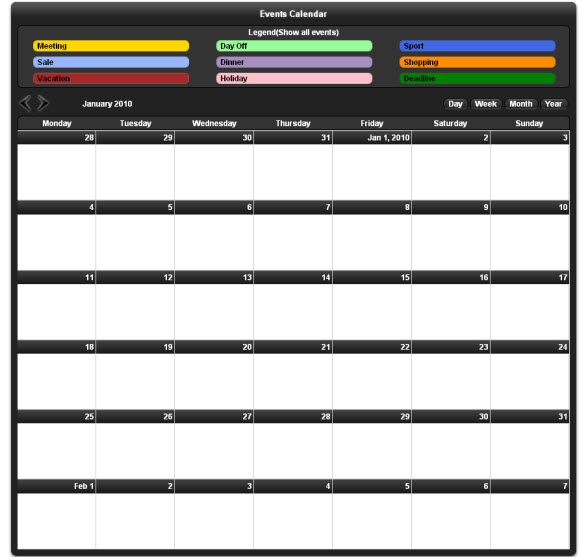
Display all your events, appointments, reservations or availability in
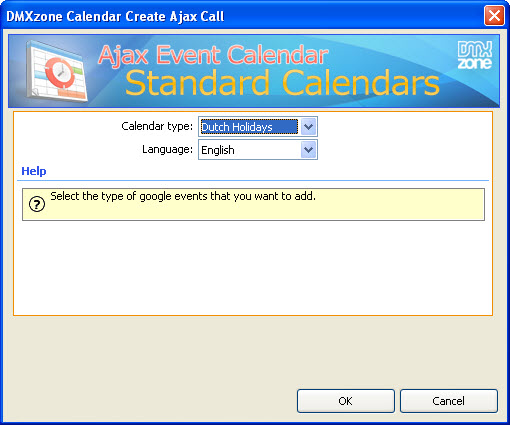
a stylish event Calendar. Get your event data from many different
sources such as own database or Google Calendars and show it all in a
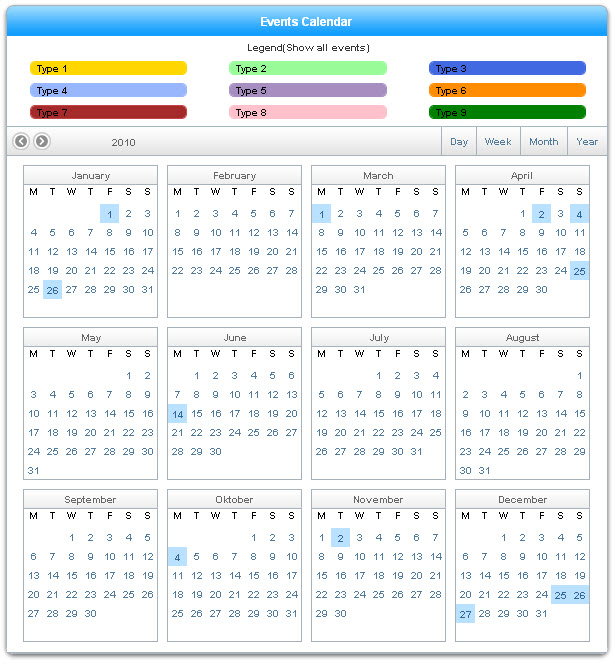
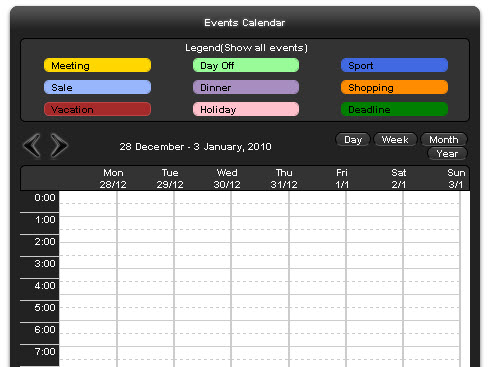
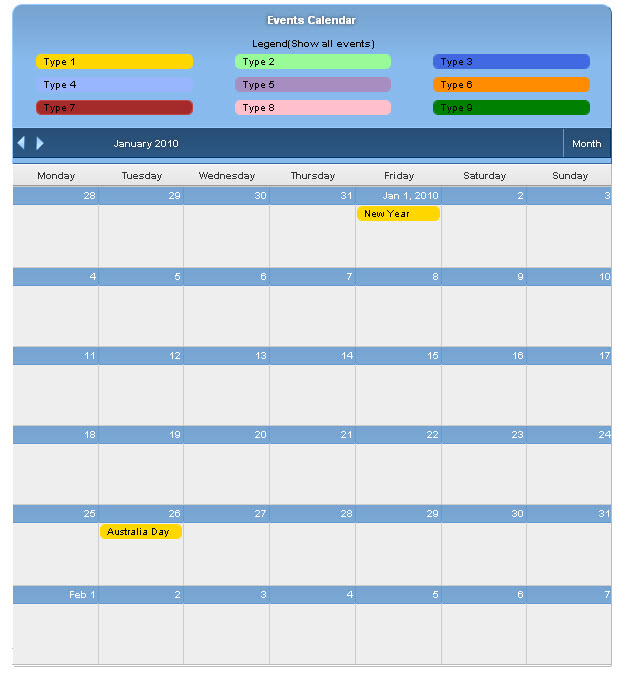
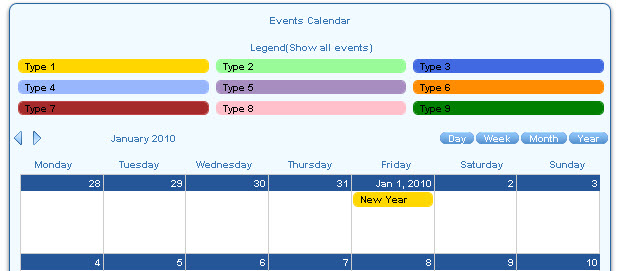
single calendar! Daily, Weekly, Monthly or full Year views are
available to fully suite your needs. The Calendar is completely Ajax
based so when navigating to the next or previous week/month it fully
loads its data dynamically without refreshing the page! Choose from the
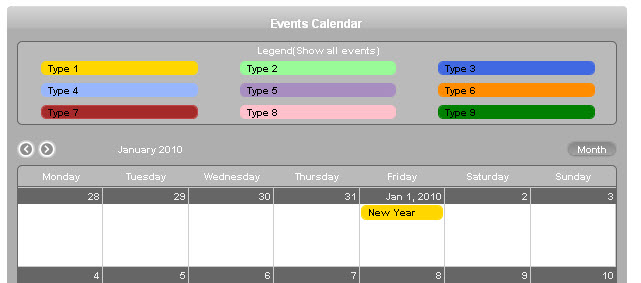
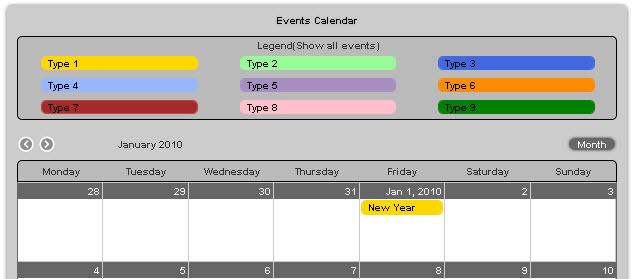
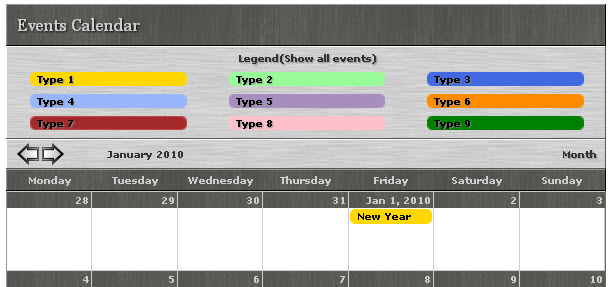
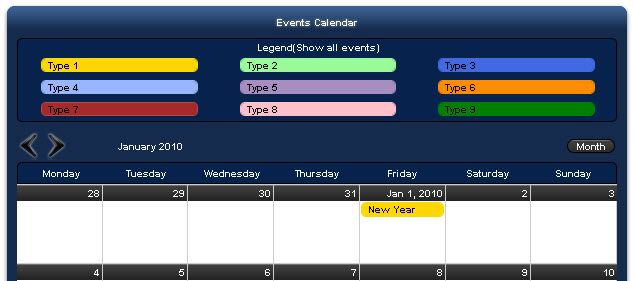
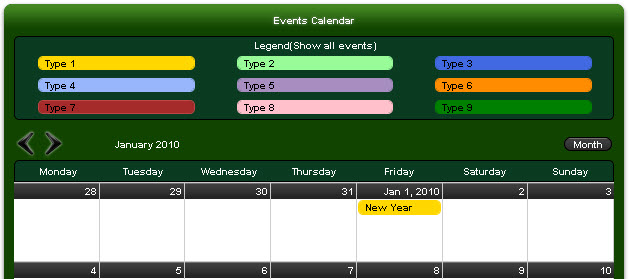
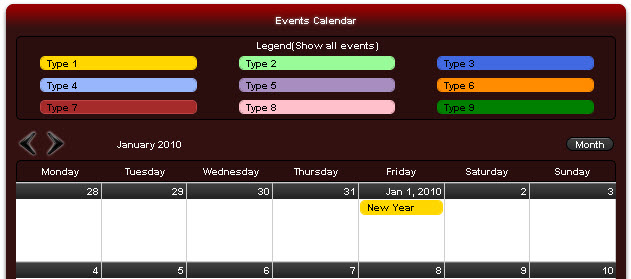
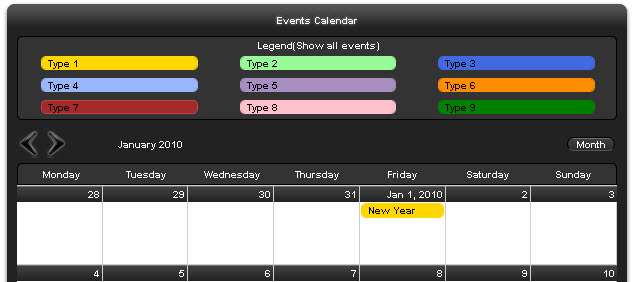
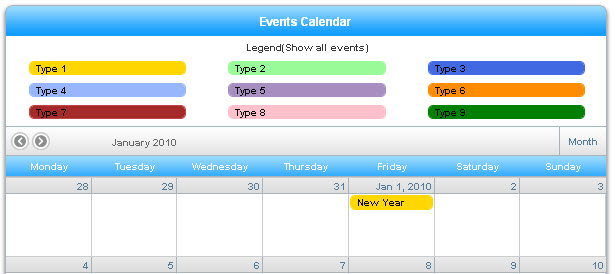
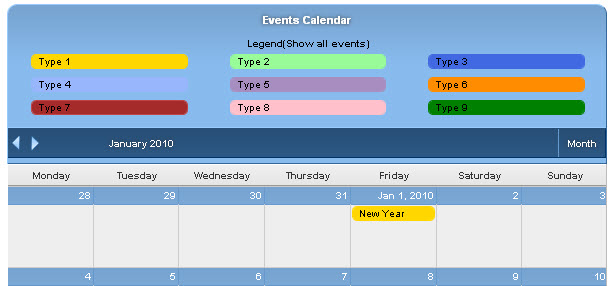
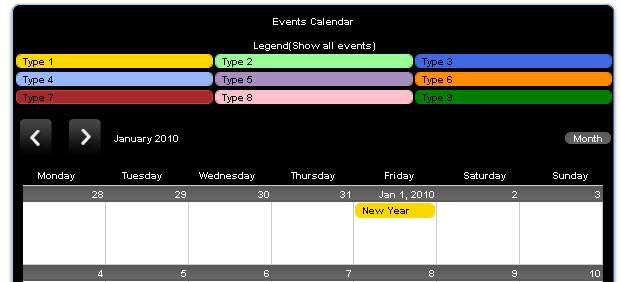
11 great looking CSS designs to style the calendar so it fully fit in
your site design.
The extension has been discontinued!
Videos
 Main Features Overview of Ajax Event Calendar
With this movie we will take a look at the main features packed in the Ajax Event Calendar.
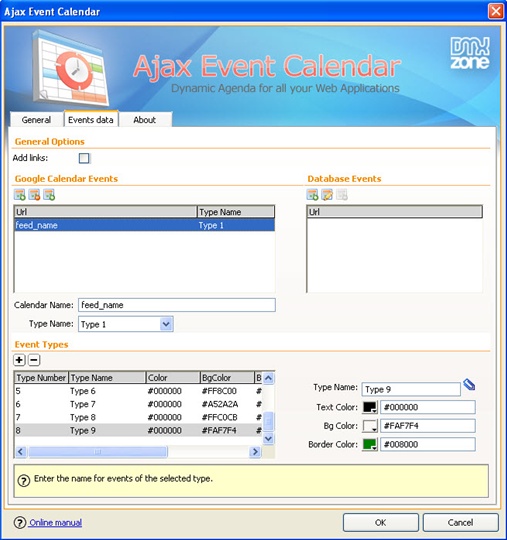
Connect your Google Calendar Events with Ajax Event Calendar
With this movie
we will take a look at the Advanced Settings of Ajax Event Calendar.
Also, we will show you how to connect your Google Calendar Events with
Ajax Event Calendar.
Advanced Features Overview and Database events
With this movie we will show the advanced features packed in the Ajax Event Calendar, as well as the database events settings.
Creating Dynamic Calendar from a Database using Ajax event Calendar
With this movie we will show you how to create a Dynamic Calendar that retrieves its events from a database.
History
Version. 1.1.0
- Full Internet Explorer 11 compatibility
- Improved Ajax data feeds to handle better JSON and JSONP
- Included the latest jQuery 1.10.2
Update procedure:
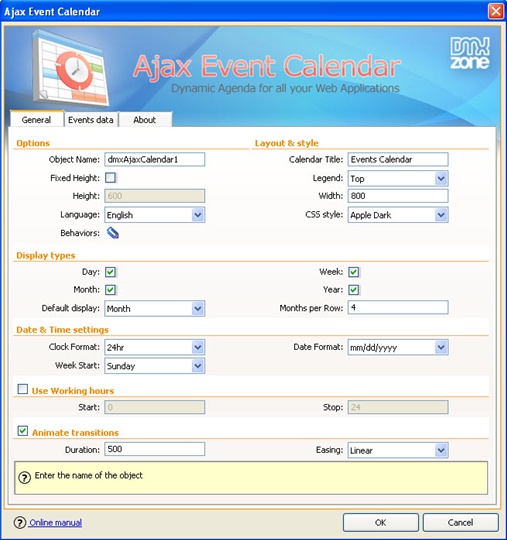
Open the page with Ajax event calendar on it and select the calendar. Then click on edit calendar button on the inspector. If you have database events, choose edit for each one of them and just reapply it. When done, click OK and all the new files will be copied.
Version 1.0.6
- Full Dreamweaver CC and Extension Manager CC support
- Updated the automatic file copy and update component for better Dreamweaver CC support
- Improved compatibility with the latest jQuery
- Included latest jQuery 1.10.1
- Improved Windows 8 compatibility
Version 1.0.5
- Included Portuguese translation
- Fixed day view selection in Dreamweaver
- Improved Compatibility with the new DMXzone Calendar 2
- Improved Dreamweaver integration
Version 1.0.4
- Improved compatibility with newest jQuery 1.6+ versions
- Included latest jQuery 1.6.3
- Optimized source and files for smaller size
- Improved automatic shared file copy, synchronization and upload from Dreamweaver
- Improved working in Dreamweaver templates
- Improved calendars with many event types
Version 1.0.3
- Improved automatic shared file copy, synchronization and upload from Dreamweaver
- Optimized source and files for smaller size
- Allow the calendar to be used also without animations
- Fixed legend position
- jQuery 1.4.4 included
Version 1.0.2
- Various speed improvements and minor bug fixes
- Added
line-height fix
- Added dd.mm.yyyy date format
- Improved
Microsoft Access support
- Improved automatic file include and
updating
Version 1.0.1
- Greatly optimized Google Calendar and
other feeds for speed, ASP or PHP are no longer required!
- Support
for text direction for events (left to right or right to left)
- Year
view improvement: color the day in event color if it is the only event
for that day.
- Legend event filtering improvement - now be done
by turning each event type off / on with a checkbox.
- New option
to display event times as they are stored in the database / in your
Google calendar with or without a correction for the user's time zone
- Added
support for private Google Calendars. It is no longer needed to make
your Google calendar public.
- Added support for DMXzone Calendar
for navigation of the Ajax Event Calendar
- For events in the
month view, an option to display the start time has been added.
- Greatly
improved calendar display
- Various bug fixes in calendar
retrieval for ASP/PHP
- Fixed brushed metal style header font.
- Added
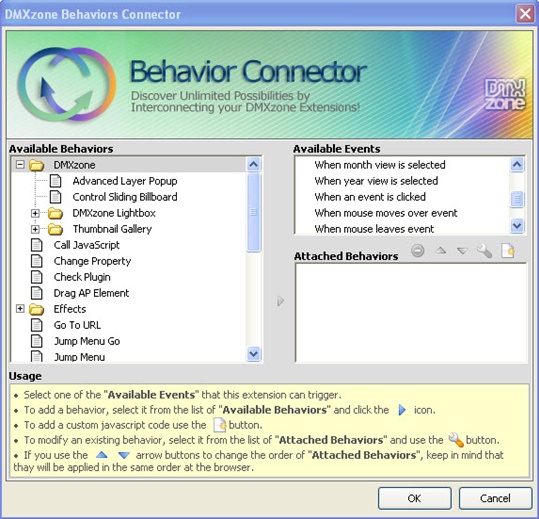
new DMXzone Behavior Connector events specific for year view
- Extended
the Control Ajax Event Calendar behaviour with Go To date function
- Fixed
issues with date format settings.
Update Procedure
Open
each page using the Ajax Event Calendar. You will see a progress bar
indicating new files are being copied. After that a dialog will popup
with the list of the new files. Depending on if you have remote site
defined and you have site synchronization enabled, the files will be
automatically synchronized or you will be presented with an option to
upload all files.
Select the calendar and click on the “Edit
Calendar” button in the property inspector. If you have defined Database
Events, go those in the second tab and reapply them all by editing
them, checking the properties and saving them again. When done click on
the OK button of the main dialog and you will see alerts if more files
are updated and need to be uploaded.
Make sure you do that for
all pages that have the Ajax Event Calendar in them.
Save and upload
your pages and you are done.






 George Petrov is a renowned software writer and developer whose extensive skills brought numerous extensions, articles and knowledge to the DMXzone- the online community for professional Adobe Dreamweaver users. The most popular for its over high-quality Dreamweaver extensions and templates.

